Dynamics 365 Business Central
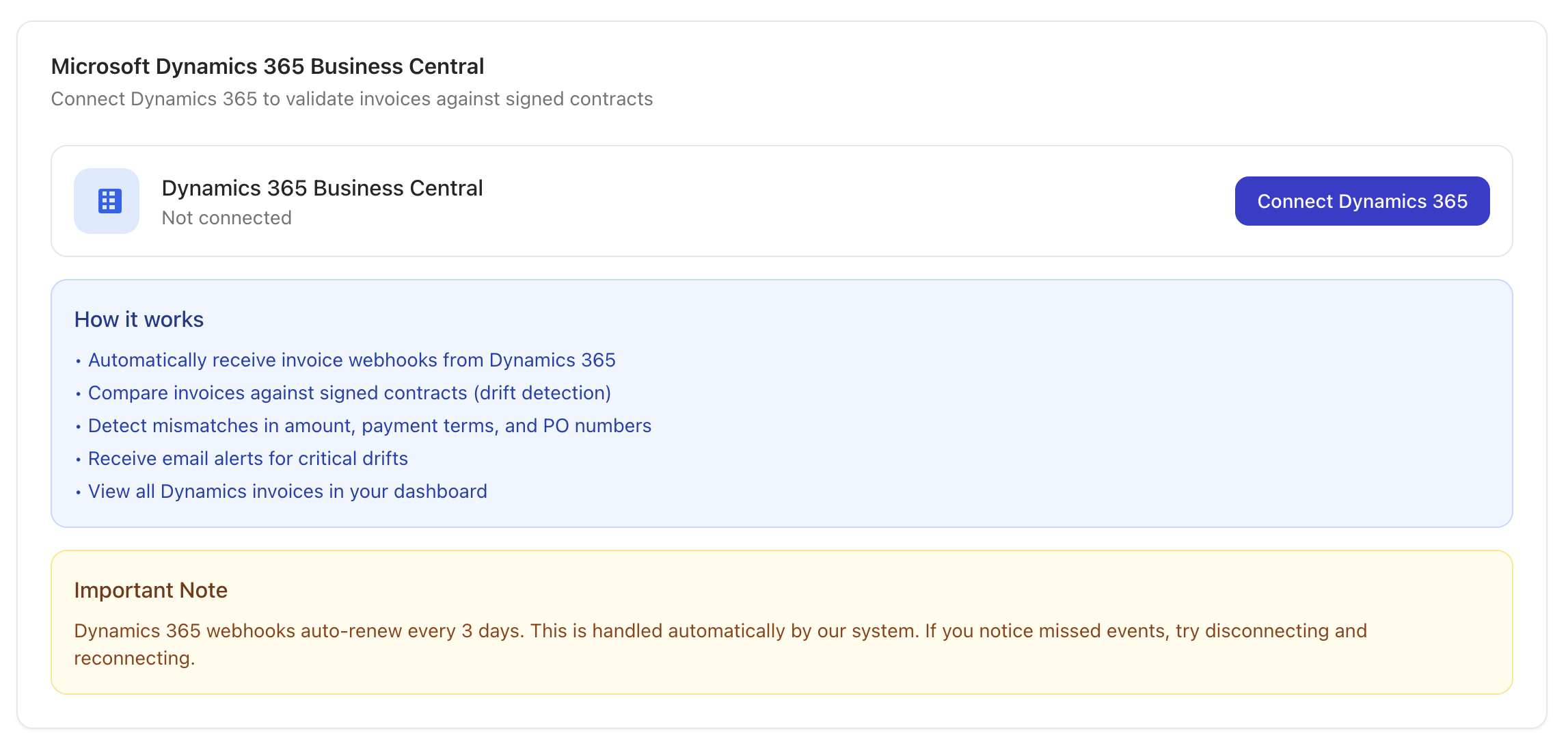
Connect Microsoft Dynamics 365 to ingest posted sales invoices and validate them against signed contracts.
Integration Summary
Meshly connects to Microsoft Dynamics 365 Business Central to ingest posted sales invoices and validate them against signed contracts.
What this integration enables
Meshly ingests posted invoices, extracts key invoice fields, and flags mismatches in payment terms, PO numbers, and contract value.
Prerequisites
- Access requirements: Dynamics 365 admin access
- System permissions: Admin access in Meshly
How to Connect
Steps at a high level:
- Go to Settings and open the Integrations tab.
- Click Dynamics 365 and select Connect.
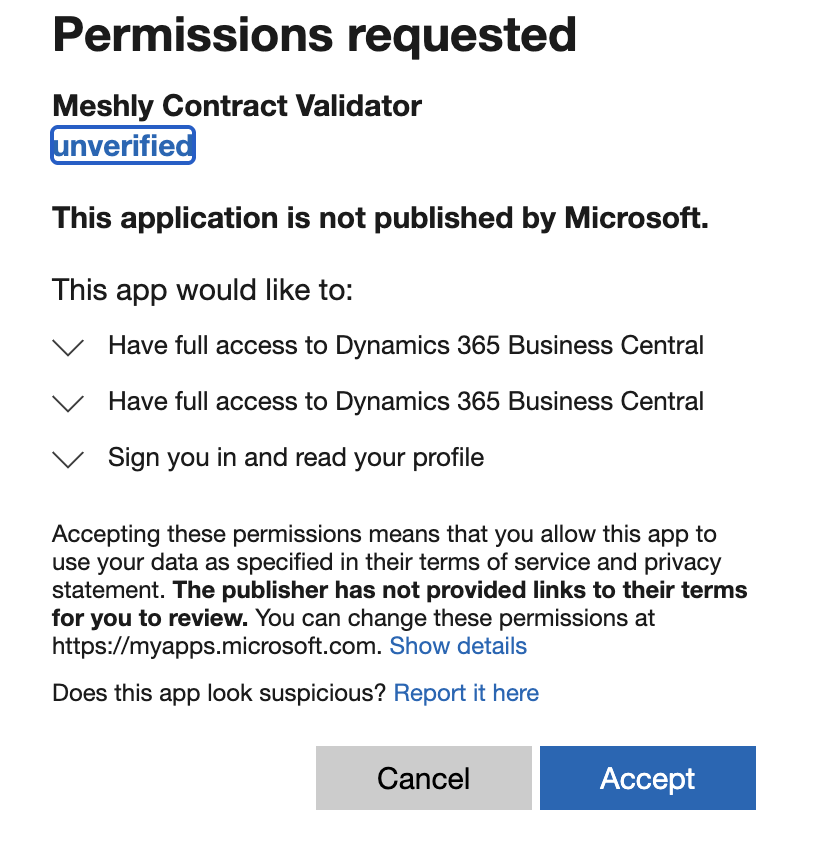
- Sign in with Microsoft and authorize access.
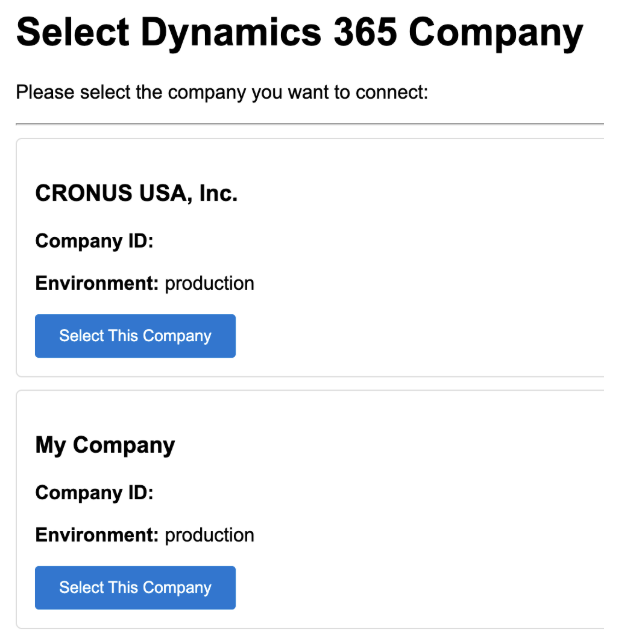
- If multiple companies exist, select the company to connect.
What happens immediately after connection
- Meshly creates a webhook subscription for sales invoices.
- Posted invoices begin processing.
Data Meshly Ingests
Objects
- Sales invoices
Object states
- Posted
- Confirmed
Update behavior
- New and updated invoices are ingested via webhook notifications.
What Meshly Checks
- Payment terms mismatch: Avoid revenue timing errors.
- PO missing or mismatch: Prevent fulfillment risk and audit gaps.
- Contract value mismatch: Catch under-billing or over-billing.
- Discount anomalies: Flag unusual or out-of-policy discounts.
Drift Detection
Matching
- Meshly automatically matches records across sources.
Outputs
- UI flags with severity levels
- CSV export entries with violation reasons
Reports
- Filter by source, date range, customer, and amount.
- Export CSV for reconciliation and audit trails.
Scope and Limitations
Explicit non-support list
- Tax code mapping rules
- Currency conversion / multi-currency handling
- Credit notes
- Customer or item mapping
Dynamics specific
- Webhook subscriptions expire and must be renewed.
- One company per connection.
- Custom fields are not used for PO extraction.
Troubleshooting
- Invoice not appearing: Confirm invoice is Posted or Confirmed.
- PO not detected: Check line descriptions, customer memo, or invoice description.
- Webhook not received: Renew the subscription and verify connection.
- Token expired: Reconnect Dynamics in Integrations.
Support
Email hello@meshly.ai with invoice ID and a short description of the issue.
Need help? Email hello@meshly.ai